How to Advertise an EV Charger on Your Holiday Let Listing (Airbnb, Booking.com and Cottage Agencies)
The short answer
Tick the EV charging amenity on every platform you use (Airbnb calls it "EV charger", Booking.com calls it "Electric vehicle charging station"), tell your cottage agency so you appear on their EV charging pages, and put the charger in your listing title, first photo set and description. Then say exactly how it works: the plug type, the speed, and how guests pay. EV drivers filter for chargers, so a listing without the tick simply doesn't show up for them.
Why the amenity tick matters more than the charger itself
Most EV drivers don't browse and hope. They switch on a filter and only look at what's left. If your charger isn't ticked as an amenity, your cottage disappears from those results, however good the charger is.
The filters are already there on the big platforms:
- Airbnb added an EV charger search filter in 2021. Airbnb has said it saw more than 500,000 unique searches for EV chargers in the second half of that year alone.
- Booking.com has an "Electric vehicle charging station" option in its Facilities filters. Ticking it removes every property without a charger from the results.
- Cottage agencies such as Sykes Cottages and Classic Cottages run dedicated "cottages with electric car charging points" pages. At the time of writing, Classic's Cornwall page lists around 80 cottages, which is a small slice of the holiday lets in the county.
That last point is the opportunity. In Cornwall and Devon, plenty of holiday lets have a driveway, but only a minority have a charger and say so clearly. A guest with an EV who filters for one is looking at a short list.
Platform by platform: where to switch it on
| Platform | What it's called | Where to set it | What guests see |
|---|---|---|---|
| Airbnb | EV charger | Listing editor → Amenities → Parking and facilities | Your listing appears when the EV charger filter is on; the amenity shows in your list |
| Booking.com | Electric vehicle charging station | Extranet → Property → Facilities and services | Your property survives the Facilities filter |
| Vrbo and other sites | Varies | Check the amenities or facilities list | Varies by platform |
| Cottage agencies (Sykes, Classic, Original Cottages, local agents) | EV charging point | Ask your property manager to update the listing | You can be added to their EV charging collection pages |
| Your own booking website | Up to you | A dedicated "EV charging" section and a line in the page title | Picked up by Google and AI search tools |
Two things catch owners out. First, the filters only tell guests that a charger exists, not what type it is or what it costs. That's why the description matters (see below). Second, if you use a channel manager, check that the amenity has actually synced to each platform. It's worth searching for your own property with the filter on to confirm you appear.
What to write in the listing
Guests with an EV usually have three questions: will it fit my car, how fast is it, and what does it cost? Answer all three before they have to message you.
In the title or headline
If the platform allows it, add the charger to the headline, for example "Sea-view cottage, Padstow, hot tub and EV charger". On Airbnb, put it near the start of the description too, because only the first lines show before "Show more".
In the description
A short, factual block works best:
- Charger: 7kW smart charger on the driveway, Type 2 socket (fits almost all EVs sold in the UK; bring your own Type 2 cable) or tethered Type 2 cable
- Speed: adds roughly 25–30 miles of range per hour, so most cars are full by the morning
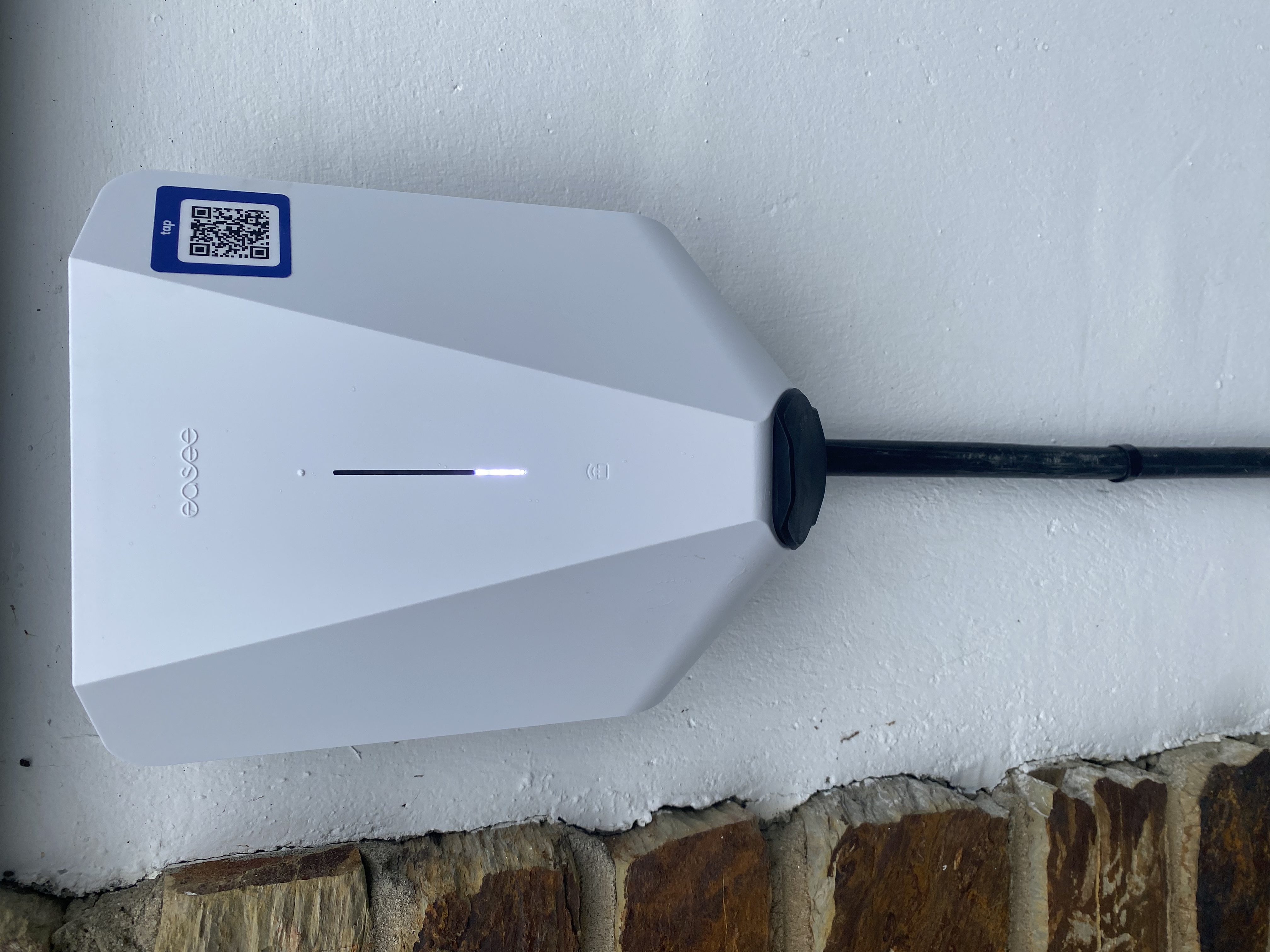
- Price: pay as you go at 40p per kWh through the charger's app or QR code, with no need to book
- Parking: the charger is next to your private space, with no sharing with other guests
Use the words guests type into search: "EV charger", "electric car charging", "Type 2". Avoid vague phrases like "electric car friendly", which tell a driver nothing.
In the photos
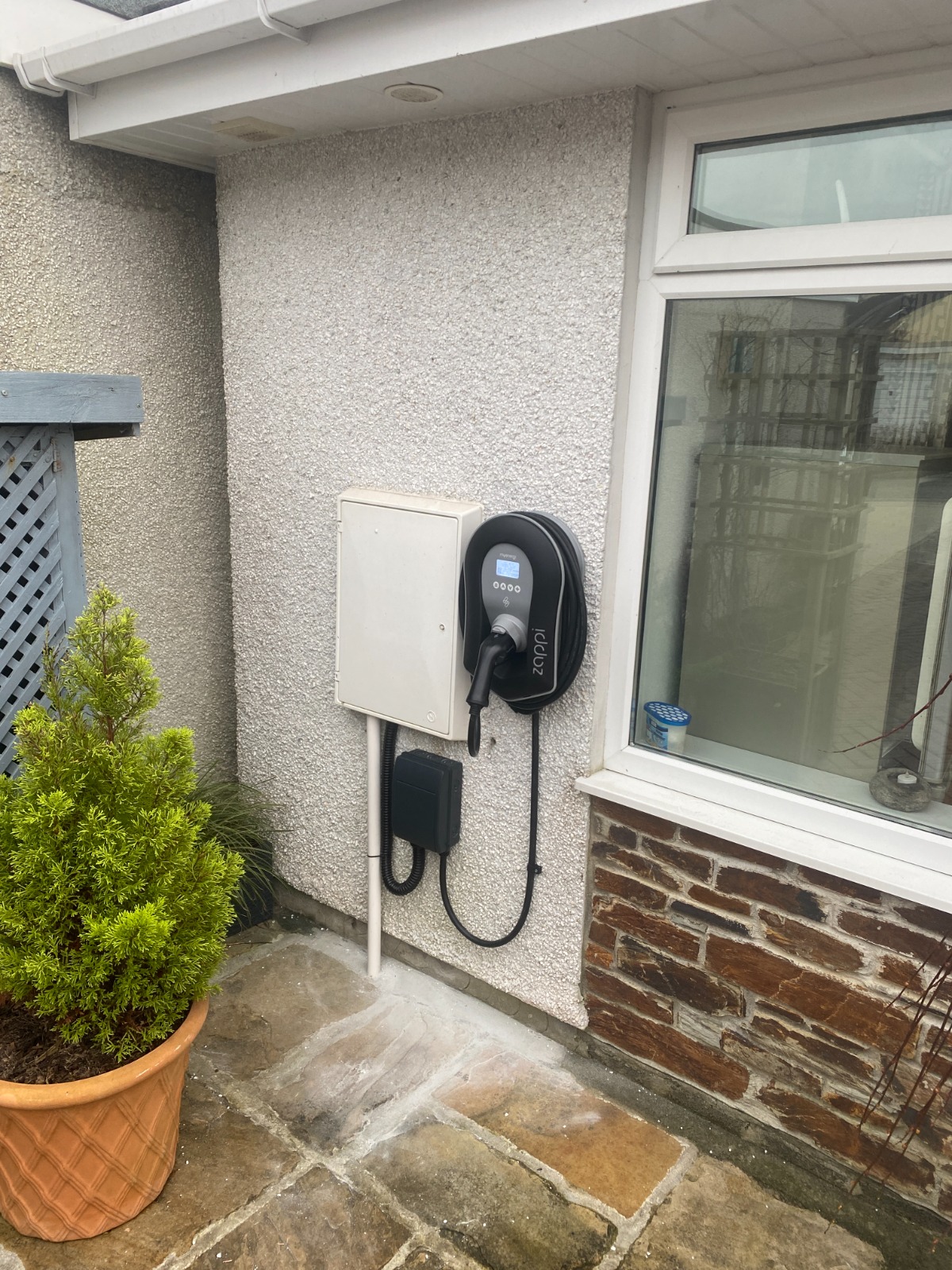
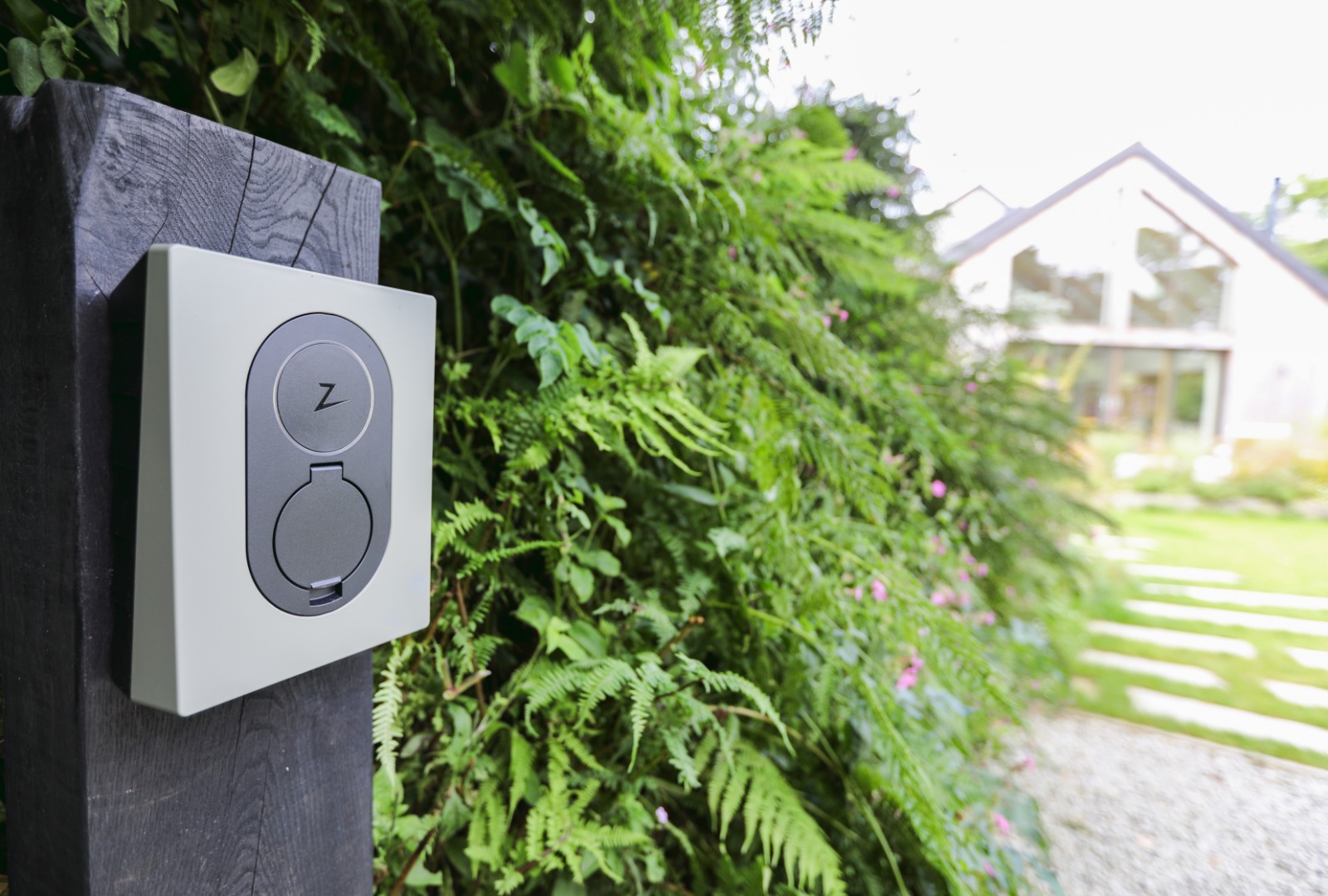
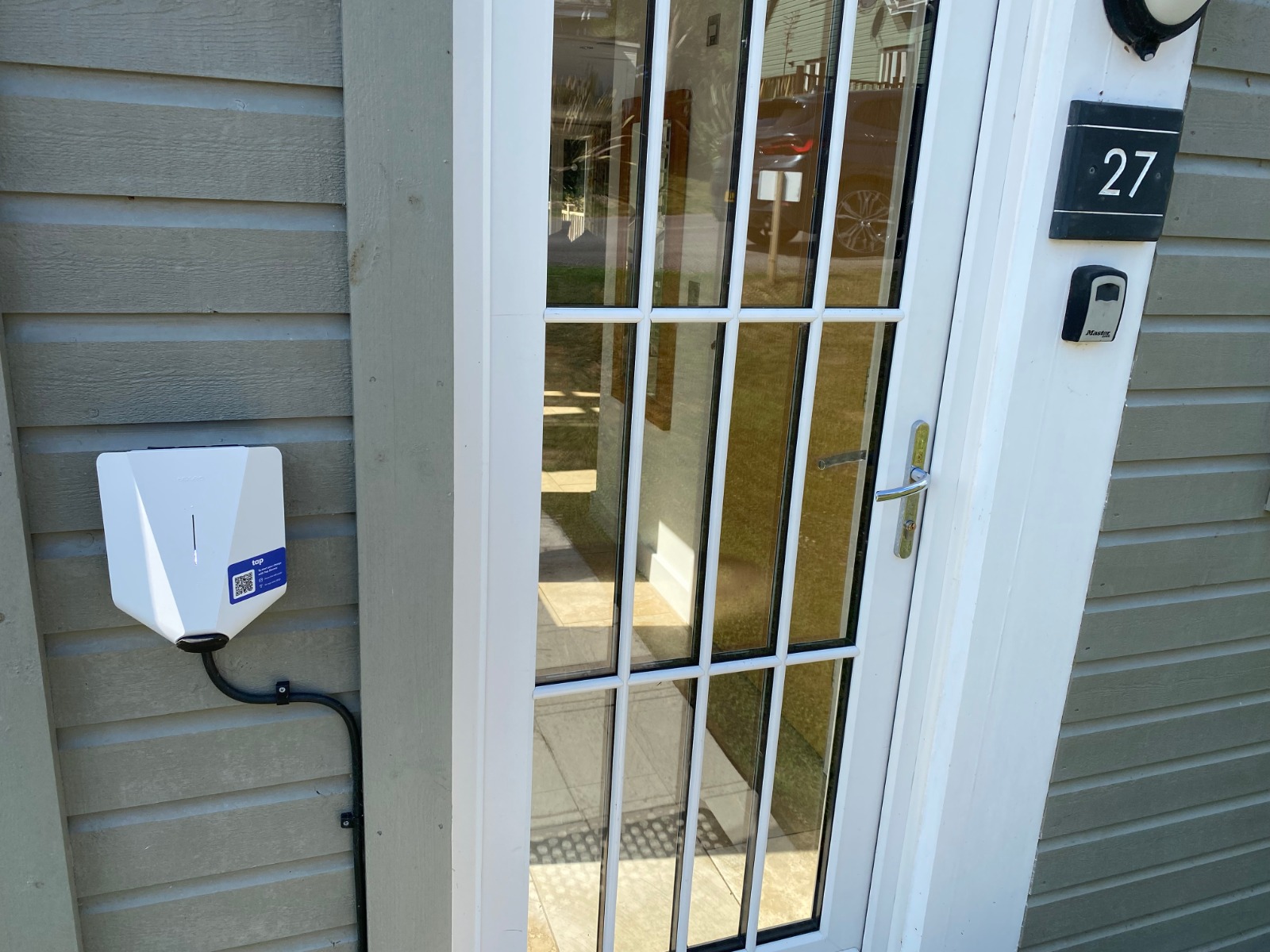
Add one clear photo of the charger with a car parked in front of it, and put it in the first five or six photos. On many platforms, guests flick through the first few photos and skip the rest. A charger they can see is far more convincing than one they read about.
Set the price before you advertise it
Guests are put off by "charging available, price on request". Decide your price, publish it, and let the smart charger handle the rest. These are the figures Manta Power works with for holiday lets:
| Item | Typical figure |
|---|---|
| Your electricity on a standard tariff | about 25–28p per kWh |
| Your electricity on an overnight EV tariff | about 7–9p per kWh |
| A fair price to charge guests | 35–45p per kWh |
| Example: guest adds 40 kWh at 40p | £16 to the guest |
A smart charger meters each session, and the guest pays through an app or by scanning a QR code. You don't need to read a meter or add anything to the bill. For guests, 35–45p per kWh is still cheaper than most rapid public chargers, and they wake up to a full battery without leaving the cottage. We go into pricing in more detail in our guide to whether you should charge holiday let guests for EV charging.
Beyond the booking sites
A few other places are worth a look once the platforms are sorted:
- Zapmap. Drivers use Zapmap to plan trips. It has a Zap-Work network for business chargers, but think carefully before listing a holiday let charger publicly: you probably only want staying guests using it. Some guest-charging apps let you keep the charger hidden from public maps for exactly this reason.
- Your welcome guide and pre-arrival email. Include a photo of the charger, which space to park in, and the QR code or app link. A guest who knows what to expect plugs in the evening they arrive.
- Google Business Profile. If your holiday let has its own profile, add EV charging to the description and a photo of the charger.
- Repeat-guest emails. Telling past guests you've added a charger gives EV drivers a reason to book again.
A quick checklist
- Tick the EV charging amenity on Airbnb, Booking.com and any other platform you use
- Ask your cottage agency to add you to their EV charging collection
- Put "EV charger" in your headline and the first lines of the description
- State the plug type, the speed and the price per kWh
- Add a charger photo within the first five or six images
- Put parking and payment instructions in the welcome guide
- Search for your own property with the EV filter on to check it appears
FAQ
Does Airbnb have a filter for EV chargers? Yes. Airbnb added an EV charger filter in 2021. Guests can switch it on under amenities, and only listings with the EV charger amenity ticked will appear.
Can I list a charger on Booking.com? Yes. In the extranet, add "Electric vehicle charging station" under Facilities. Guests who use the Facilities filter will then see your property.
Should I say what type of plug the charger has? Yes. The platform filters don't show plug type or speed, so put it in the description. A Type 2 charger at 7kW suits almost every EV sold in the UK.
Can I show the price for charging in my listing? Yes, and you should. A clear price, such as 40p per kWh paid through an app or QR code, avoids awkward messages and stops guests assuming it's free.
Should I put my holiday let charger on Zapmap? Only if you're happy for the public to try to use it. Most holiday let owners keep the charger for staying guests and leave it off public maps.
Ready to give EV drivers a reason to pick your cottage? Manta Power arranges smart, guest-pay chargers for holiday let owners across Cornwall, Devon and the South West, fitted by our local installation partners. See the holiday let offer, work out your earnings with our calculator, or call 07441 353701.